 October 05, 2026 - BY Admin
Image to PDF: A Simple Way to Convert and Manage Digital Documents
What Is Image to PDF Conversion?
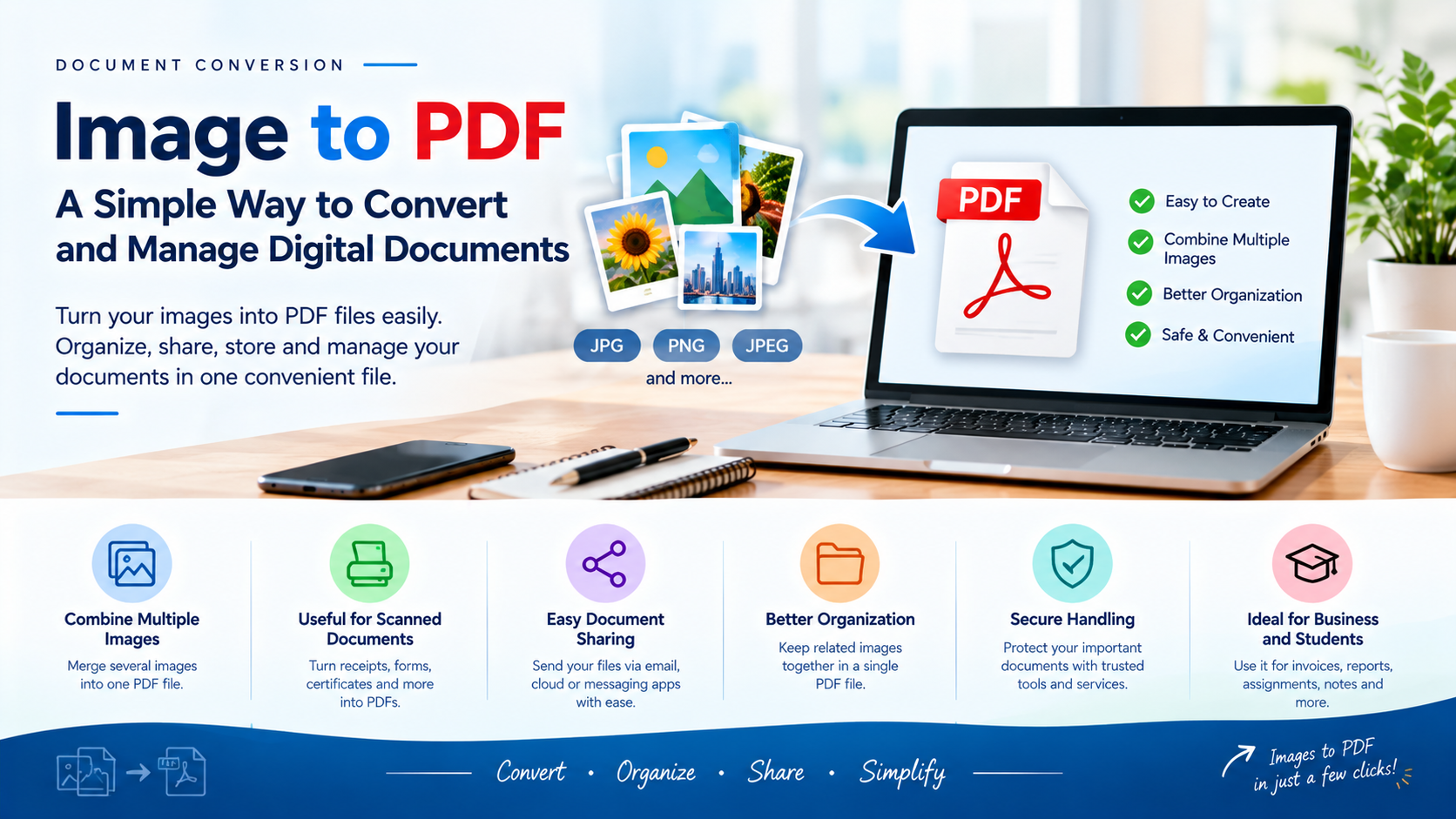
Image to PDF conversion is the process of turning one or more image files into a PDF document. Common image formats such as JPG, JPEG, PNG, and other supported formats can be combined into a single document that is easier to view, share, and store.
Why Convert Images to PDF?
Images are useful for capturing information, but managing multiple image files can sometimes be inconvenient. Converting them into a PDF allows several images to be organized into one document, making it easier to send, archive, print, or present information.
Combining Multiple Images
One of the biggest advantages of an image-to-PDF tool is the ability to combine multiple images into a single file. For example, several pages of a scanned document can be arranged in the correct order and converted into one PDF instead of being shared as separate image files.
Useful for Scanned Documents
Image-to-PDF conversion is especially useful for scanned documents. Receipts, forms, certificates, notes, invoices, and other paper documents can be scanned as images and then converted into a convenient digital PDF for storage or sharing.
Easy Document Sharing
PDF files are widely used for digital document sharing. A single PDF can be easier to send through email, messaging platforms, or online services than a collection of separate image files. This can make communication more organized and professional.
Better Organization
Keeping related images in one PDF can make digital files easier to organize. Instead of searching through multiple image files, users can keep related pages together in a single document with a meaningful filename.
Maintaining Document Layout
When converting images to PDF, users can often arrange pages, adjust their order, and choose suitable page sizes or orientations. Proper arrangement helps create a cleaner and more readable final document.
Image to PDF for Business
Businesses can use image-to-PDF conversion for invoices, receipts, forms, reports, product information, scanned records, and other documents. Converting these materials into PDFs can support better digital record management and easier document sharing.
Image to PDF for Students
Students can use image-to-PDF tools to combine photographs of handwritten notes, assignments, diagrams, and study materials into organized PDF documents. This can make it easier to submit or review educational materials.
Image Quality and File Size
Image quality and file size are important considerations when creating a PDF. High-resolution images may provide better clarity but can result in larger files. Choosing an appropriate image quality can help balance readability and storage requirements.
Secure Document Handling
Some documents may contain sensitive information. Users should choose trusted tools and services when converting important files and avoid sharing confidential documents unnecessarily. Appropriate access controls and secure storage can help protect digital documents.
The Convenience of Online Tools
Online image-to-PDF tools can make conversion quick and accessible without requiring specialized software. Users can upload supported images, arrange them as needed, convert them, and save the resulting PDF for later use.
Conclusion
Image-to-PDF conversion provides a convenient way to organize images and turn them into practical digital documents. From scanned records and business files to student notes and personal documents, converting images into PDFs can simplify storage, sharing, printing, and document management.