 July 06, 2026 - BY Admin
The Smart Way to Organize and Share Your Images
Introduction
In today's digital world, images are widely used for personal, educational, and professional purposes. However, managing multiple image files can become difficult when sharing or storing important documents. Converting images into PDF format offers a practical solution by combining one or more images into a single, easy-to-manage file. Whether you're creating reports, preserving scanned documents, or sharing photographs, Image to PDF conversion provides convenience, security, and professionalism.
What Is Image to PDF?
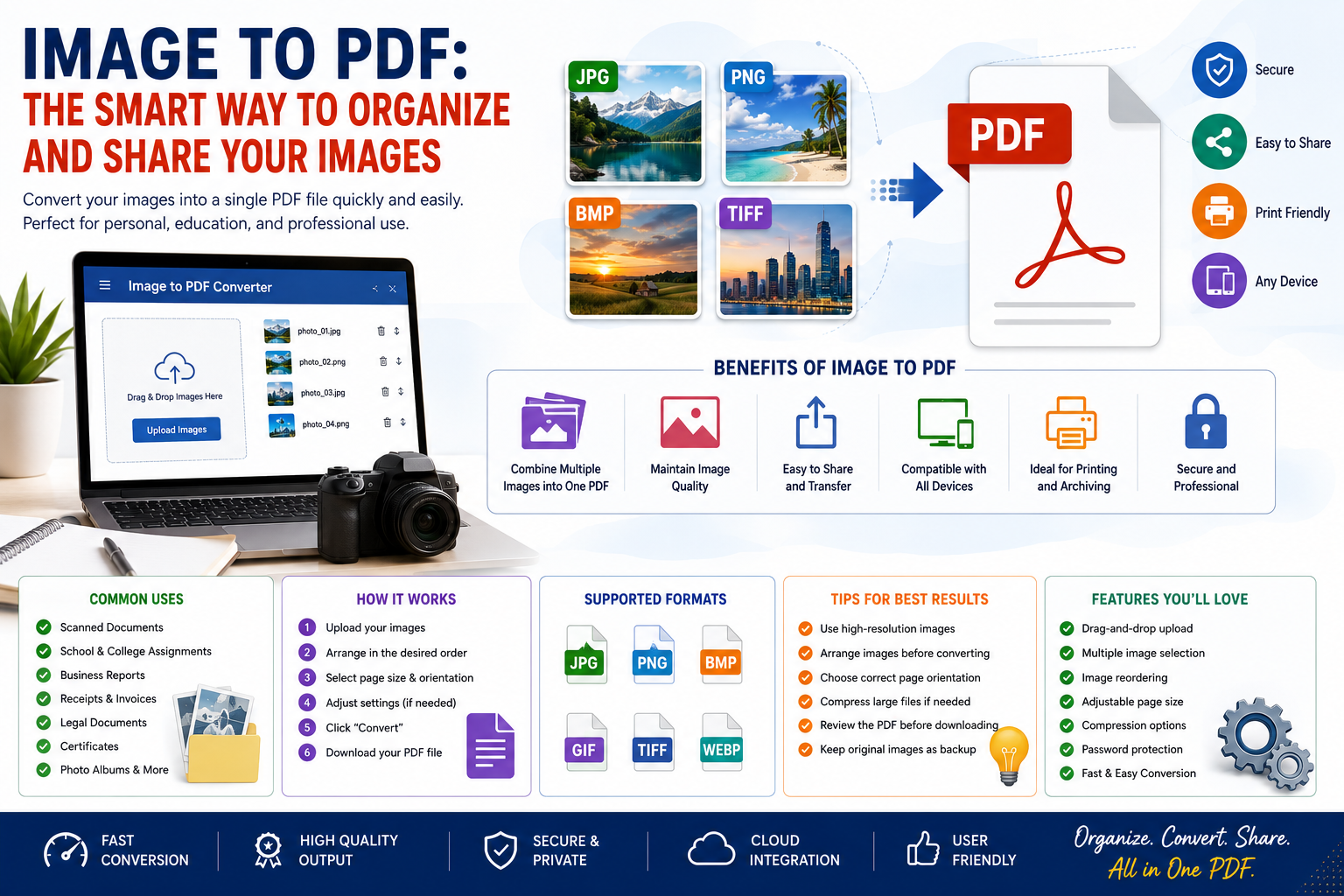
Image to PDF is the process of converting image files such as JPG, JPEG, PNG, BMP, or TIFF into a Portable Document Format (PDF). The resulting PDF preserves the quality of the images while making them easier to store, print, and share.
Why Convert Images to PDF?
Converting images into PDF offers several advantages:
- Combines multiple images into one document
- Maintains image quality
- Easy to share through email or messaging apps
- Compatible with almost every device
- Ideal for printing and archiving
- Provides a professional document format
Supported Image Formats
Most Image to PDF tools support popular image formats, including:
- JPG / JPEG
- PNG
- BMP
- GIF
- TIFF
- WEBP
Benefits of Image to PDF
Image to PDF conversion provides many benefits, including:
- Better document organization
- Reduced file clutter
- Easier file sharing
- Improved compatibility
- High-quality printing
- Secure long-term storage
- Convenient document management
Common Uses of Image to PDF
Image to PDF is commonly used for:
- Scanned documents
- School and college assignments
- Business reports
- Receipts and invoices
- Legal documents
- Identity proof submissions
- Medical records
- Photo albums
- Certificates
- Office documentation
Features of Modern Image to PDF Tools
Modern conversion tools often include features such as:
- Drag-and-drop image upload
- Multiple image selection
- Image reordering
- Page orientation settings
- Adjustable page size
- Compression options
- Password protection
- High-resolution PDF output
- Fast conversion
- Cloud storage integration
How to Convert Images to PDF
The conversion process is simple:
- Upload one or more image files.
- Arrange the images in the desired order.
- Select page size and orientation (optional).
- Adjust compression or quality settings if needed.
- Click the Convert button.
- Download the generated PDF file.
Tips for Better PDF Conversion
For the best results:
- Use high-resolution images.
- Arrange images before converting.
- Choose the correct page orientation.
- Compress large files if sharing online.
- Review the final PDF before downloading.
- Keep original images as backups.
Challenges in Image to PDF Conversion
Users may encounter a few challenges:
- Large file sizes
- Incorrect image orientation
- Low-quality source images
- Formatting inconsistencies
- Limited editing options after conversion
Choosing a reliable conversion tool helps minimize these issues.
Future of Image to PDF Tools
Image to PDF applications continue to improve with advanced technologies such as:
- AI-powered image enhancement
- Automatic document detection
- Optical Character Recognition (OCR)
- Cloud synchronization
- Batch processing
- Mobile-friendly conversion
- Enhanced security features
These innovations make document management faster, smarter, and more efficient.
Conclusion
Image to PDF conversion is an essential tool for anyone who needs to organize, share, or archive image files professionally. Whether for personal records, education, or business purposes, converting images into PDFs simplifies document management while maintaining quality and compatibility. As digital workflows continue to evolve, Image to PDF tools will remain an indispensable part of modern productivity.